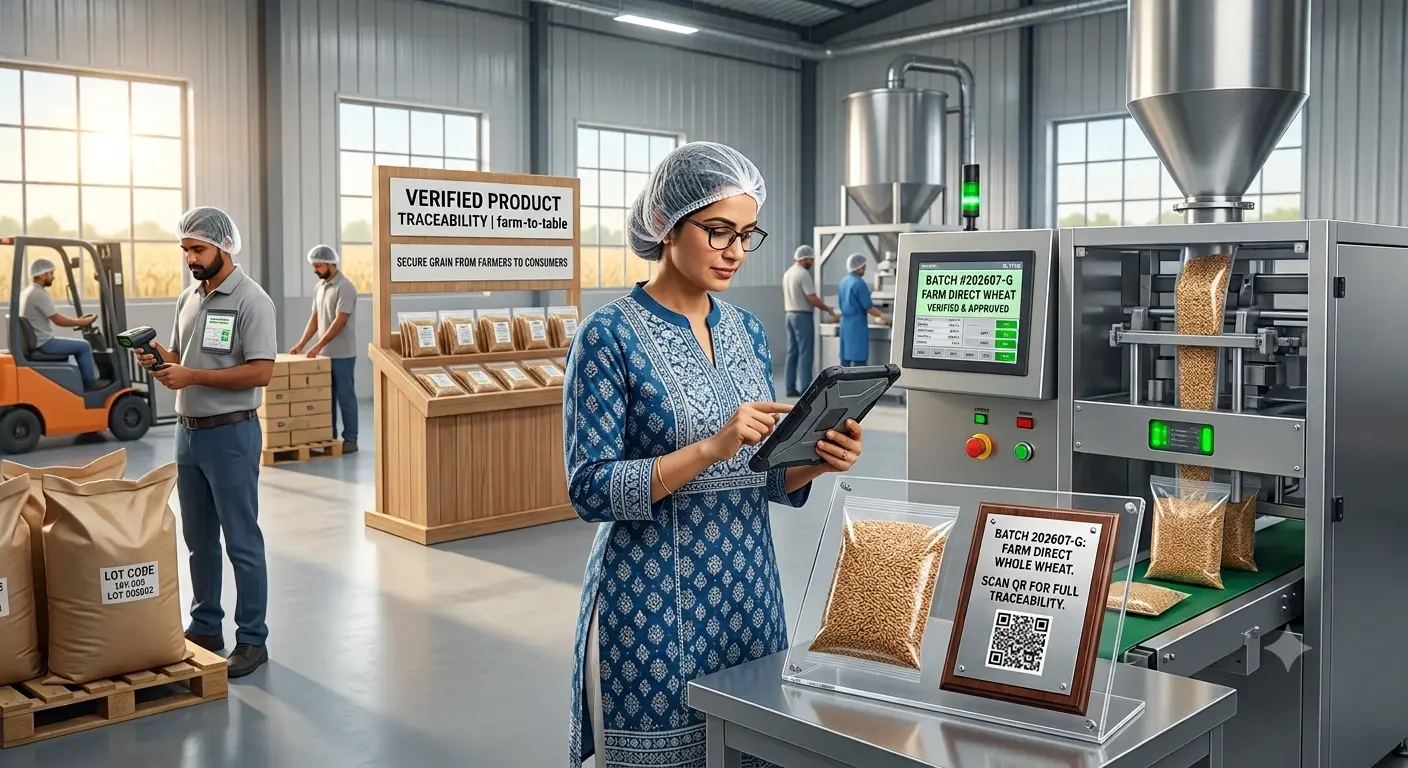
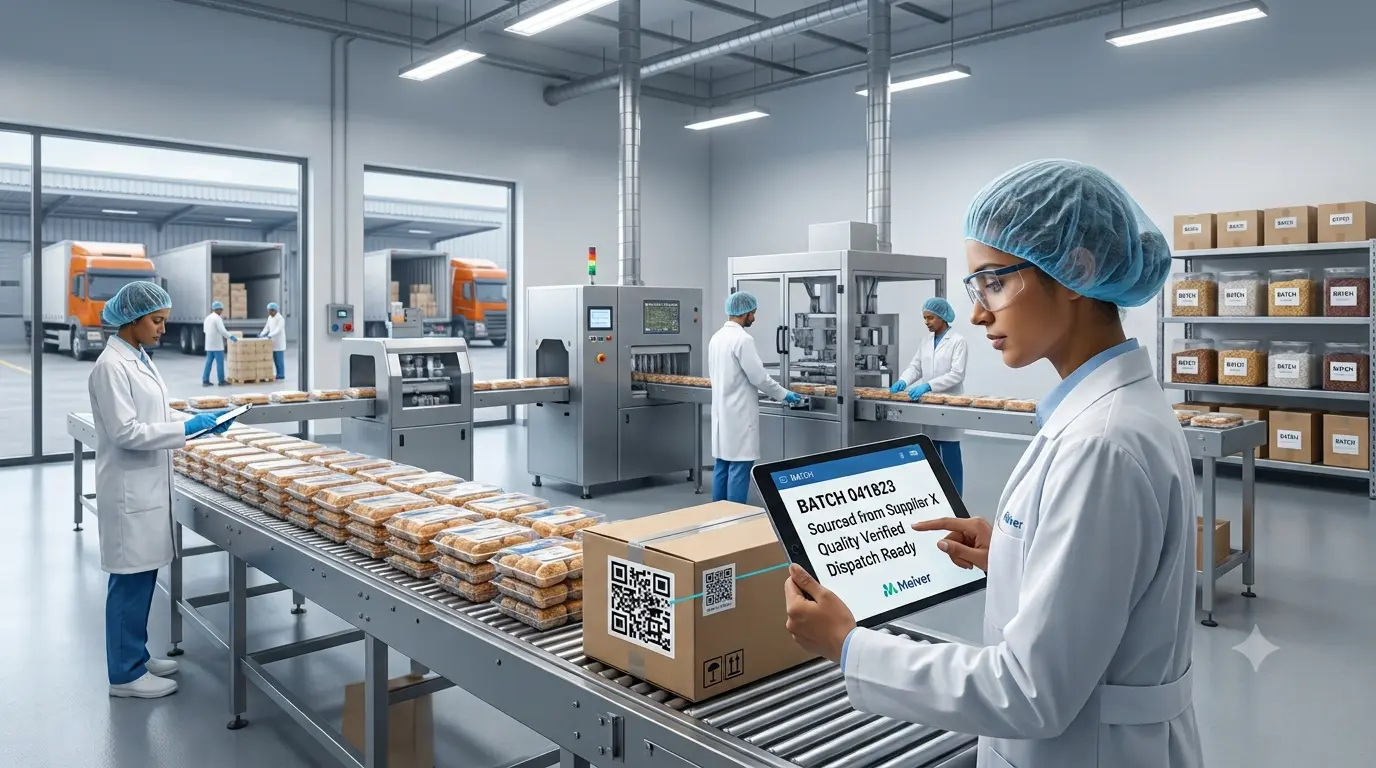
A notebook or batch tracking spreadsheet can feel practical for a new food brand. As the business adds products, suppliers, manufacturers, and sales channels, the same process becomes harder to coordinate.
The question is whether complete batch information can be retrieved when a customer complains, an auditor requests evidence, or a product needs investigation.
1. Manual Records Create Different Versions of the Truth
An Excel batch tracking system may sit beside shared folders, emails, paper forms, and messages. Production quantities may be updated in one place while quality reports are saved elsewhere.
This can lead to duplicate files, missing timestamps, inconsistent lot names, and delayed approvals. Founders then spend time rebuilding the batch story instead of acting on it.
2. Inventory and Production Records Stay Disconnected
Inventory batch tracking involves more than stock quantity. Teams may need to connect raw-material lots, production stages, finished batches, expiry dates, quality checks, and dispatch information.
With manual batch tracking, these details are often recorded separately. This creates a gap between what entered production, what passed review, and where the goods were sent. Effective food manufacturing batch tracking keeps those records connected.
3. Complaints and Recalls Take Longer to Investigate
When a complaint is linked to a batch, teams need fast answers: Which ingredients were used? Which run was affected? Where was the stock distributed? Which documents support the investigation?
A batch tracking spreadsheet may hold part of the answer, but teams still search for the rest. The FDA describes standardized traceability records as a foundation for technology-enabled, end-to-end food traceability systems.
4. Manual Batch Tracking vs Software
The difference is fragmented recording versus connected visibility.
Manual batch tracking | Digital batch tracking |
Data stored across files | Centralized batch records |
Updates checked manually | Status visible to authorized users |
Documents kept separately | Documents linked to batches |
History rebuilt after an issue | Time-stamped lifecycle history |
A digital batch tracking system can also support approvals, expiry alerts, stage records, and standardized data capture. This reduces follow-ups and gives founders a clearer operational view.
5. When Batch Tracking Software Becomes Useful
A brand should consider batch tracking software when teams repeatedly search across files, depend on one person for batch details, or struggle to connect production and quality records.
An automated batch tracking system does not replace human oversight. It provides a consistent structure for recording, reviewing, and retrieving information. The right batch traceability software supports daily operations while improving recall readiness and transparency.
Process Infographic: From Scattered Records to Digital Batch Control
1. Manual Entry | 2. Separate Files | 3. Version Conflicts | 4. Delayed Investigation | 5. Connected Digital Batch Record |
Batch details are entered manually into paper forms, spreadsheets, or messages. | Production records, quality documents, approvals, and inventory data are stored in different locations. | Multiple copies and inconsistent updates make it difficult to identify the latest information. | Teams spend valuable time searching for records during complaints, audits, or recalls. | Batch data, documents, stages, approvals, and recall information are connected in one system. |
Batch data, documents, stages, approvals, and recall information connected in one system.
Conclusion
Growing food brands need records that can be trusted and retrieved quickly. Meiver connects batch records, production stages, approvals, supporting documents, QR verification, and recall workflows in one traceability platform. These capabilities turn scattered information into a connected batch history.
Book a Meiver demo to see how digital batch tracking can support your growth.
FAQs
1. What is manual batch tracking?
It uses paper forms, spreadsheets, messages, or shared folders to record production and lot information. Staff must manually connect related records during reviews or investigations.
2. Is Excel suitable for batch tracking?
Excel can support basic logs. Linking stage histories, approvals, documents, scan data, and recall workflows usually requires additional files or processes.
3. What can digital batch tracking record?
It can capture lot codes, quantities, ingredients, suppliers, stages, quality results, approvals, expiry dates, and distribution information in connected records.
4. How does batch traceability software support recalls?
It helps teams identify affected batches, review linked records, trace materials and destinations, and coordinate recall actions from one centralized system.